after effects plug-ins / ae depth tool
a depth map for every frame, made on your own gpu inside after effects 2026. use it as a matte, a displacement map or a fog pass.
runs on your pc
frames stay on your pc. the effect can run on the cpu, use cuda on a compatible nvidia card, or use directml on compatible directx 12 hardware.
you set near and far
raw, normalized, or guided by two points you place on the shot.
never fails a render
if something goes wrong, the frame keeps the last good depth map and after effects carries on.
try it first
until you activate it, it renders at half resolution with a watermark. everything else works.


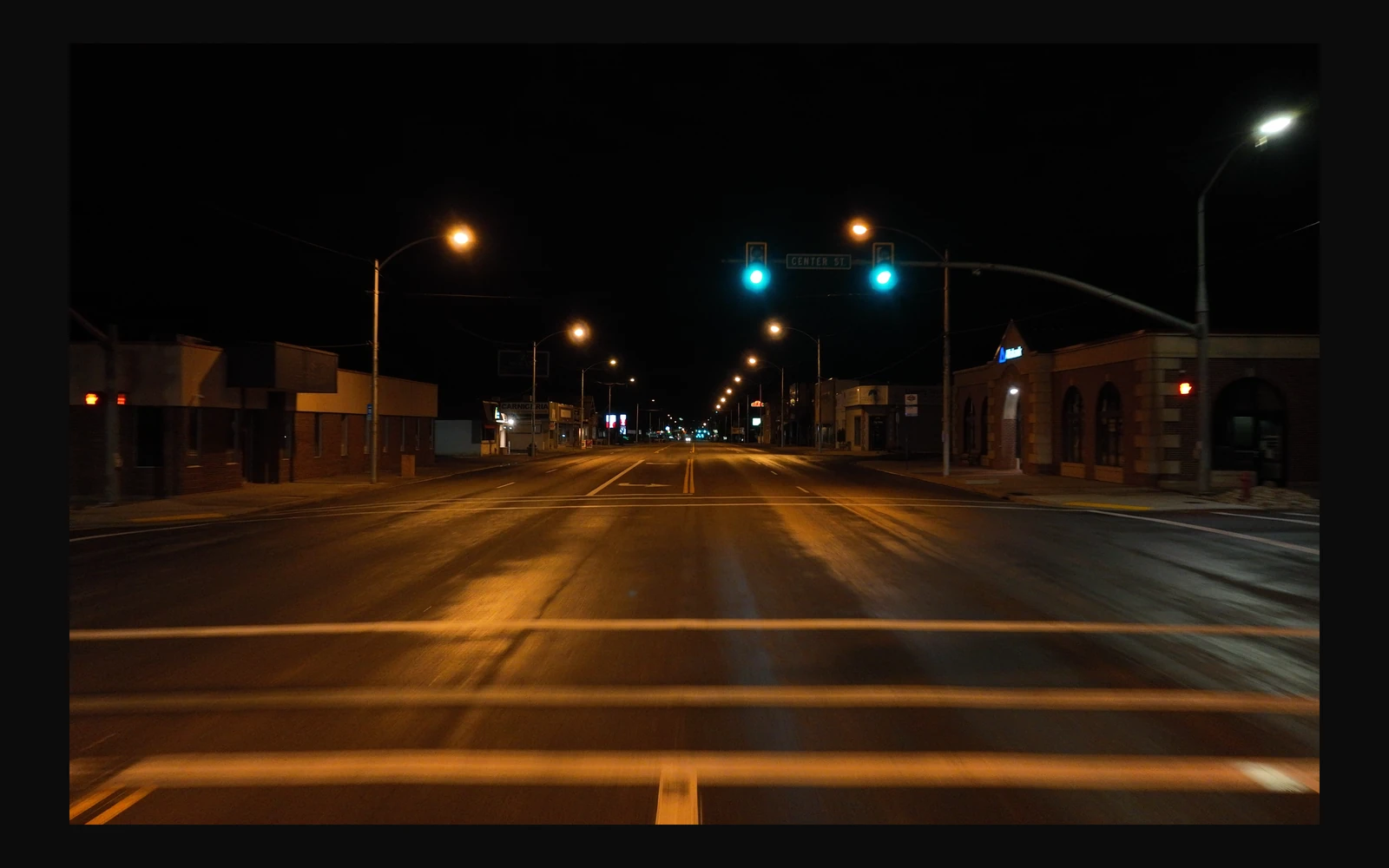
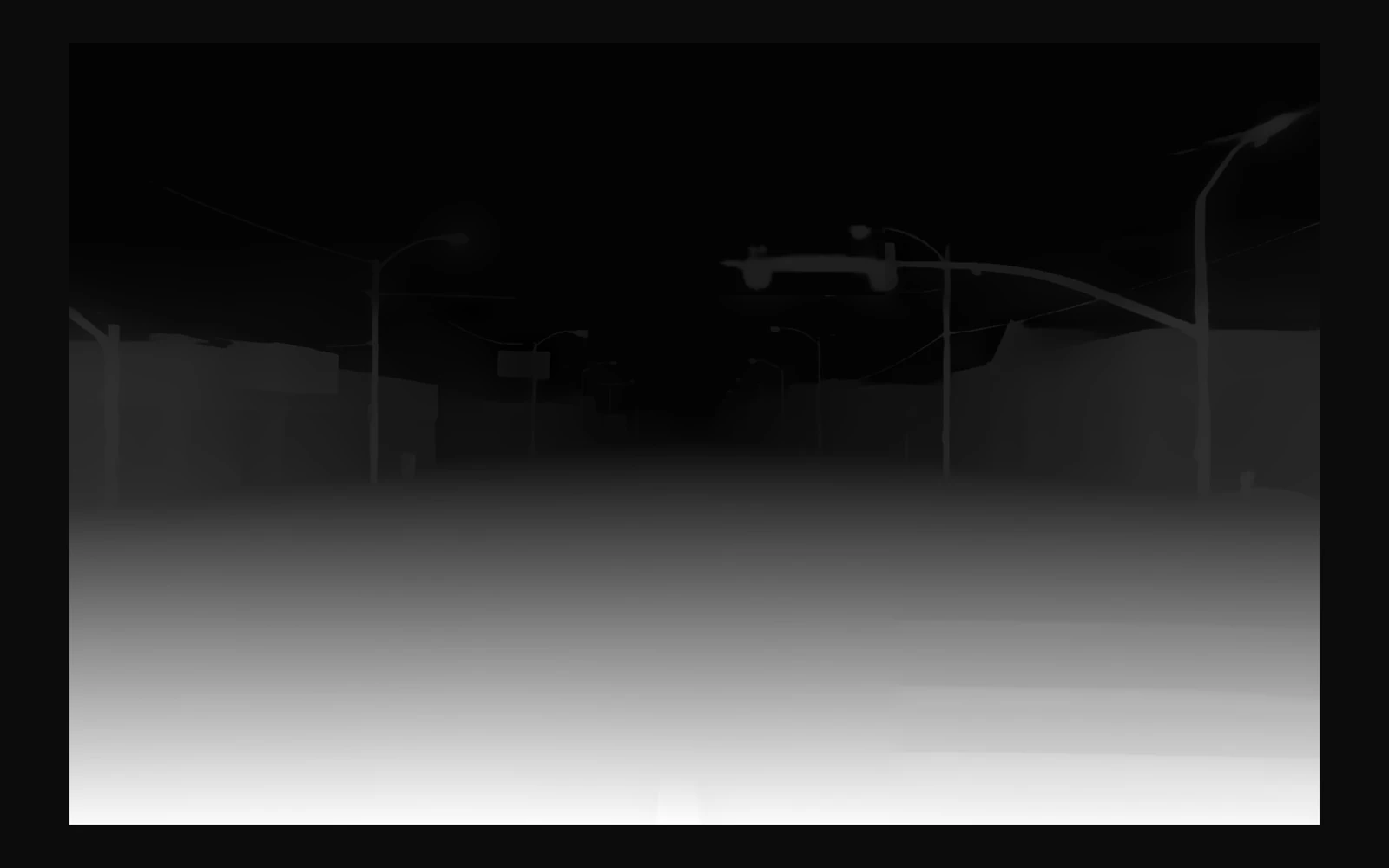
- download the installer from your APS Suite account and pick your after effects versions during setup. it downloads the depth model and the gpu runtime for you.
- install it, then open effect > aps, apply the depth effect and activate it in options.
- set the resolution and the mapping.
requirements
- windows 10 (version 2004 / build 19041 or later) or 11, 64-bit
- after effects 2026
- cpu rendering available
- for cuda: a compatible nvidia card, driver 527.41 or newer, and the optional cuda runtime
- admin rights to install (the installer isn't code-signed, so windows shows 'unknown publisher')
- installing needs an internet connection
good to know
- the depth is relative, not distances in meters.
- each frame is computed on its own, so moving footage can shimmer a little. subpixel smoothing helps.
- after effects must be closed to install or update. premiere pro isn't supported.
the installer
our installers aren't code-signed, so windows may say it doesn't recognize the app. choose 'more info' and 'run anyway', but only for an installer you downloaded from your account page.
version 1.0.2 · released 3 nov 2026.
privacy and trademarks
no ads, no analytics. it only goes online for the license check, for updates and for feedback you choose to send. questions: 'send feedback' in ae depth tool or [email protected].
other product names are trademarks of their owners. ae depth tool isn't affiliated with them.
which graphics card do i need?
cpu and cuda rendering were tested in after effects 26.3 on a pc with an rtx 3080. directml was checked outside after effects on that card. a minimum vram capacity has not been measured. memory use varies with processing size and batch size. try preview mode on your own footage.
is the depth in meters?
no, it's relative. guided mode pins two points on the shot to values you choose.
does it flicker on video?
it can breathe a little, because each frame is computed on its own. subpixel smoothing helps.
does it work with aerender and render farms?
activate each node with your Suite key. each activated PC counts toward your Suite machine limit.
does it upload my footage?
no. the model runs on your pc. the installer downloads the model and the gpu runtime once; nothing is uploaded except the license check and feedback you choose to send.
how do I get a license?
an APS Suite subscription includes this plug-in. your Suite key and downloads are on your account page.
-
in the suite
ae trace tool
tracking overlays, inside after effects. -
in development
APS Wide Time
Blend neighboring video frames into motion trails. -
subscription
aps suite
every aps app. one subscription.